OEM wheel and tire fitment specs for the 2004 Cadillac CTS, including bolt pattern (PCD), center bore diameter, thread size, rim diameter, rim width, wheel offset, and backspacing.
Recorded OEM specifications for the 2004 Cadillac CTS, donor years with overlapping ranges, and a calculator to compare a selected wheel. Range overlap is not a guaranteed fit.
Multiple OEM configurations exist for this vehicle. Fitment can vary by trim, brakes, and factory wheel package – confirm your exact setup before buying.
Thread-only product links are shopping examples, not verified fits. Seat style is not confirmed here. As an Amazon Associate we earn from qualifying purchases.
Donor vehicles with overlapping OEM specs
These are vehicle-year records whose recorded OEM ranges overlap this 2004 Cadillac CTS. Overlap is not a guarantee that a specific wheel will install. Selected-wheel comparison is in the calculator below.
Evaluated 47 donor years. Listed 24 eligible overlaps (not all evaluated years are compatible). Showing all listed.
Wheel geometryOEM width/offset ranges overlap (not a specific wheel)
Recorded OEM bolt pattern, center bore, and width/offset ranges overlap. This is not a guarantee that every wheel from the donor year fits this vehicle.
Wheel geometryOEM width/offset ranges overlap (not a specific wheel)
Recorded OEM bolt pattern, center bore, and width/offset ranges overlap. This is not a guarantee that every wheel from the donor year fits this vehicle.
Wheel geometryOEM width/offset ranges overlap (not a specific wheel)
Approximate position vs the mid OEM package: outer change -4.35 mm, inner change -8.35 mm. This uses aggregated width/offset ranges, not a specific wheel.
Wheel geometryOEM width/offset ranges overlap (not a specific wheel)
Recorded OEM bolt pattern, center bore, and width/offset ranges overlap. This is not a guarantee that every wheel from the donor year fits this vehicle.
Wheel geometryOEM width/offset ranges overlap (not a specific wheel)
Recorded OEM bolt pattern, center bore, and width/offset ranges overlap. This is not a guarantee that every wheel from the donor year fits this vehicle.
Cadillac CTS Years With Compatible Wheels
Only years with evidence-based interchange relationships are listed. Adjacent years are not assumed compatible.
Compare a donor vehicle or custom wheel against this 2004 Cadillac CTS. Use Compare in calculator on a donor row above to fill the donor side of this same calculator.
Compare
Compare wheel compatibility between two vehicles
Wheels from (donor vehicle)
Selected Car:
Custom wheel size (optional)
Tip: change values here to simulate custom wheels and immediately see the impact in the comparison below.
Custom tire size (optional)
Installed on (your vehicle)
Selected Car:
2004 Cadillac CTS
Compare Rims
Specification
Wheels from
Installed on
Result (Click it)
Bolt Pattern
The total number of bolt holes and the diameter of the circle they form.
-
5x115
Center Bore
The hole in the center of the wheel that fits over the vehicle’s hub.
-
70.3 mm
Thread Size
The size and spacing of the threads on the bolts or nuts that hold the wheel in place.
-
M12 x 1.5
Rim Diameter
The wheel diameter in inches that determines which tire sizes will fit.
-
16"
Rim Width
The distance between the inner edges of the wheel is measured in inches.
-
7.0"
Wheel Offset
How far the wheel sits inward or outward relative to the hub mounting surface.
-
51 mm
Backspacing
Shows how much space the wheel takes up toward the inside of the vehicle.
-
-
Wheel Fasteners
The type of hardware used to secure the wheel to the vehicle.
-
-
Compare Tires
Specification
Wheels from
Installed on
Result (Click it)
Section Width
The width of the tire from sidewall to sidewall, measured in millimeters.
-
-
Aspect Ratio
The height of the tire’s sidewall expressed as a percentage of its width.
-
-
Diameter
The wheel diameter for which the tire is designed to fit.
-
-
Tire Pressure
The recommended air pressure for safe and efficient driving.
-
-
Overall Diameter
The total height of the tire and wheel combined affects clearance and speedometer accuracy.
-
-
Wheel Fitment Parts for the 2004 Cadillac CTS
Example products matched to recorded thread, hub, or spacer dimensions. They are not verified fits. Confirm seat style, thickness, and clearance before ordering.
As an Amazon Associate we earn from qualifying purchases. Product availability and pricing may change.
2004 Cadillac CTS Wheel Fitment Guide
Known OEM Fitment For 2004 Cadillac CTS
The values below reflect OEM information available for this model year. Some items may vary by trim or factory package. Always confirm against your tire door placard, VIN-specific GM service information, or the on-page calculator results before you buy.
Spec
Value
Notes
Bolt pattern
5x115
5 studs on a 115 mm circle.
Center bore
70.3 mm
Wheels must seat on a 70.3 mm hub. Use hub-centric rings if the wheel bore is larger.
Thread size
M12 x 1.5
Match lug nuts or bolts to thread and seat type of your wheels.
Wheel offset (ET)
50 mm
Listed for one factory package. Offset affects inner and outer clearance.
Backspacing
5.72 in
Derived from width and offset for one factory package.
Rim size
18 x 7.5 in
Factory wheel size for one package.
Tire size
225/55 R16
Factory tire size reported for another package. This indicates multiple OEM setups in 2004.
Because both 18 x 7.5 wheels and 225/55R16 tires appear in OEM data for 2004, verify what your specific CTS left the factory with. Check the driver door placard, your owner’s manual, or a GM VIN report. Then use the calculator to compare any donor or custom setup to your confirmed stock size.
How To Use The Wheel Interchange Calculator
Step 1. Identify your stock size. Read your tire door placard or manual for the factory wheel and tire. If your current setup is not stock, enter the OEM size first for a clean baseline.
Step 2. In Wheels from (donor vehicle), enter the wheel and tire you want to try. You can select a known vehicle package or type a custom wheel size and custom tire size.
Step 3. In Installed on (your vehicle), choose 2004 Cadillac CTS or enter your confirmed stock specs.
Step 4. Adjust custom wheel size. Change rim diameter, width, and offset. The tool recalculates inner clearance to suspension and outer poke to the fender.
Step 5. Adjust custom tire size. Change section width and aspect ratio. When you change rim diameter, the tool updates overall tire diameter in the comparison so you can keep speedometer error under control.
Step 6. Review results. Look for inner clearance remaining, outer poke difference, tire diameter change, and backspacing. Aim to keep overall diameter close to stock and ensure the tire does not rub the strut, control arms, liners, or fenders.
Step 7. Validate physically. Measurements on the car and a test fit are recommended before mounting tires.
Fitment Checklist Before You Buy
Bolt pattern. Your CTS is 5x115. Do not use 5x114.3 wheels. They are close but not correct and can cause unsafe clamping and vibration.
Center bore. Vehicle hub is 70.3 mm. If an aftermarket wheel has a larger bore, use 70.3 mm hub-centric rings that match your wheel’s bore on the outer side.
Offset and width. Use the calculator to compare inner and outer clearance to your confirmed OEM size. Ensure at least a few millimeters of inner clearance to struts and control arms, and avoid excessive poke past the fender.
Brake clearance. Verify spoke and barrel clearance over calipers. Some wheels clear diameter but contact spokes on the caliper face.
Tire load and speed rating. Choose equal or higher ratings than the factory specification for safety.
Overall diameter. Keep tire diameter close to stock to protect ABS, TCS, and speedometer accuracy. The calculator shows the percentage change.
Lug hardware. Thread is M12 x 1.5. Match the seat type required by your wheels. Do not mix conical, ball, or mag seats.
Stud engagement. Ensure full thread engagement on each stud. If using spacers, you may need extended studs or proper hub-centric spacers with studs.
TPMS. If equipped, confirm sensor compatibility and relearn procedure per the owner’s manual or GM service info.
Plus Sizing And Common Upgrades
Plus sizing changes the rim diameter while keeping overall tire diameter similar. Example method: if you go up 1 inch in rim diameter, reduce tire sidewall height to keep the overall diameter close. Use the calculator to preview diameter change, fender poke, and inner clearance before buying.
Keep overall tire diameter as close as possible to stock to avoid speedometer error. Many owners target within about 2 to 3 percent, but verify clearances on your car.
Wider wheels and tires increase lateral grip but can reduce inner clearance and may require different offsets. Use the calculator to balance inner clearance and fender poke.
5x115 is required. Do not substitute 5x114.3. It is not an acceptable interchange.
If an aftermarket wheel uses a larger center bore, add 70.3 mm hub-centric rings sized to your wheel’s bore for a vibration-free ride.
Installation Tips
Test fit each wheel on the hub without a tire first when possible. Spin by hand and check for caliper, knuckle, and control arm clearance at full lock and full droop.
Clean the hub face and the wheel mounting pad until bare metal. Remove rust and debris. Mating surfaces should be clean and dry.
Do not lubricate wheel studs or lug nut seats unless the manufacturer instructs otherwise. Follow the factory torque specification from the owner’s manual or GM service documentation.
Hand start all lug nuts. Tighten in a star pattern in stages, then torque to spec on the ground. Re-torque after 50 to 100 miles.
If using hub-centric rings, ensure they seat fully on the hub and in the wheel. Plastic or aluminum rings are both common. Choose the correct outer diameter for your wheel bore.
Verify tire clearance under load. After installation, drive slowly over bumps and steer lock to lock while listening for rub.
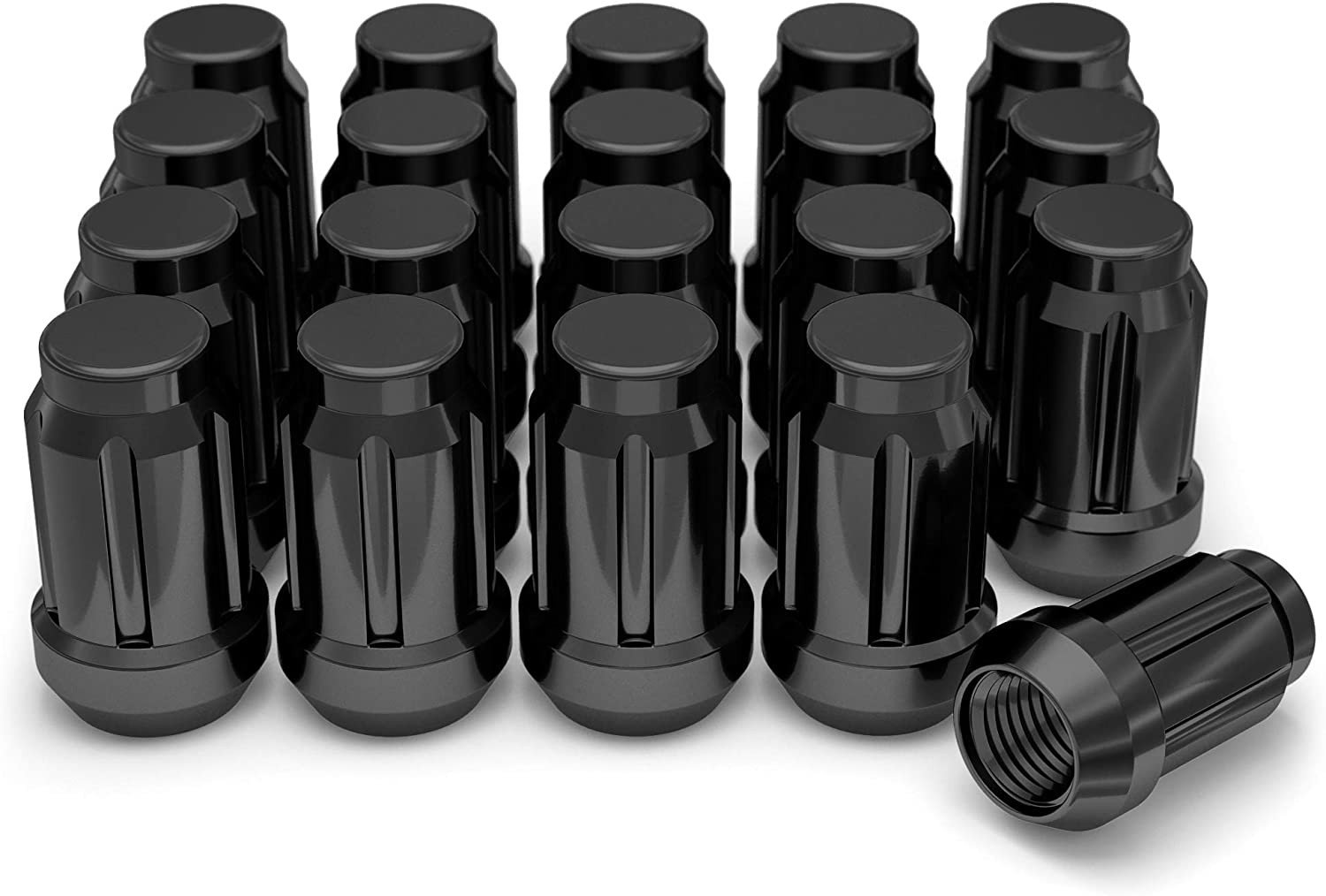
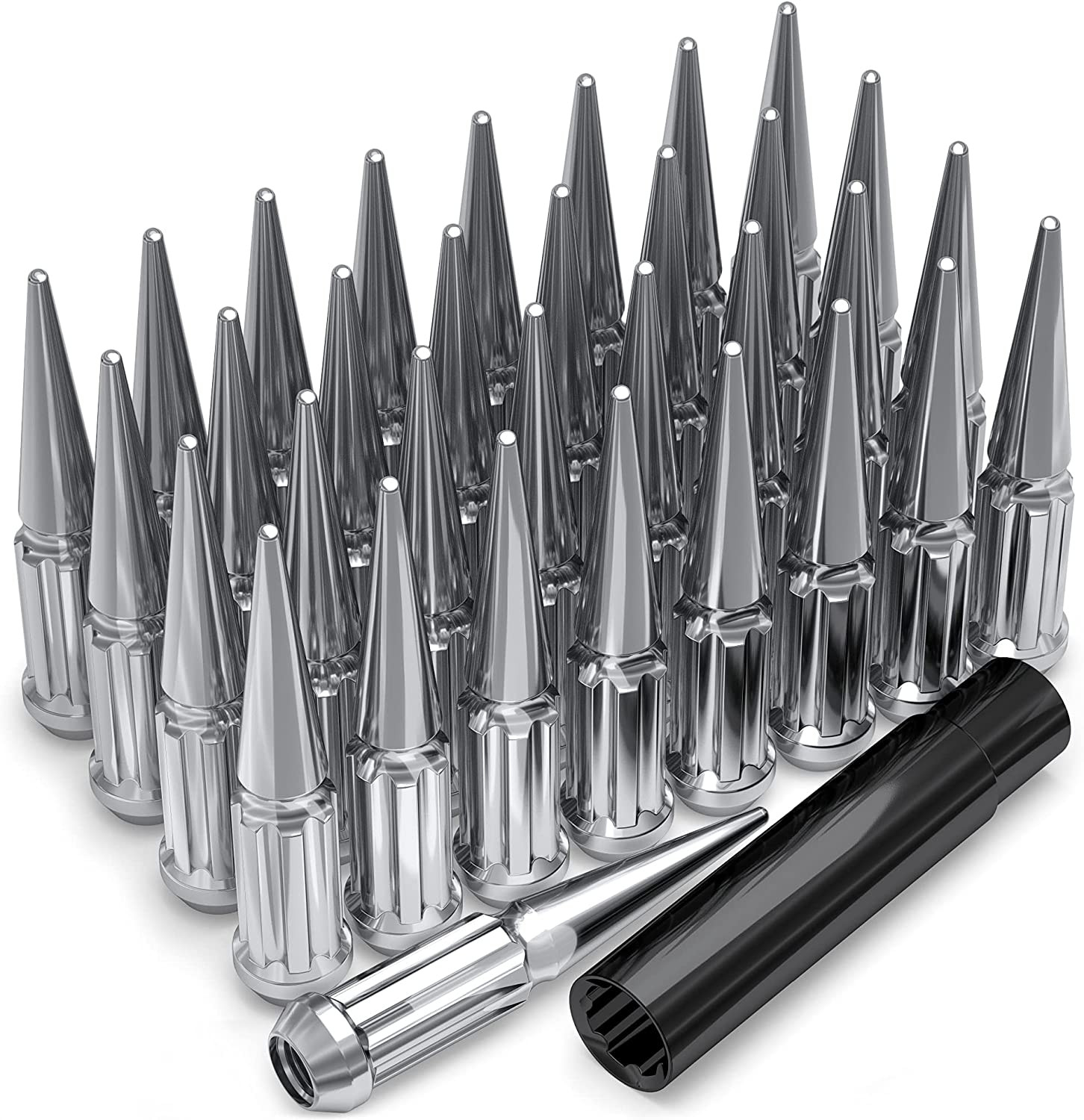
M12 x 1.5 lug nuts, correct seat style for your wheels: Amazon search
70.3 mm hub-centric rings, outer diameter to match your wheel bore: Amazon search
FAQs
Is 5x114.3 the same as 5x115 for my 2004 CTS?
No. 5x114.3 is not a safe substitute for 5x115. Use only 5x115 wheels to ensure proper clamping and alignment.
What is the correct center bore for the 2004 CTS?
70.3 mm. If your wheel has a larger bore, use hub-centric rings sized 70.3 mm inner and the wheel’s bore on the outer.
Which factory setup do I have, 16 inch or 18 inch?
Both sizes appear in OEM data for 2004 CTS. Check your driver door placard, owner’s manual, or a VIN-specific GM report to confirm, then use the calculator to compare any new setup to your verified stock size.
What lug nut thread does the CTS use?
M12 x 1.5. Match the thread and the correct seat style required by your wheels.
What offset can I run safely?
Offset depends on wheel width and brake clearance. Start from your confirmed stock setup and use the calculator to see inner and outer changes. Verify physically on the car before mounting tires.
Do I need spacers?
Only if required to clear brakes or suspension after verifying with measurements. Use quality hub-centric spacers and ensure proper stud engagement. Follow OEM torque specs.
How much tire diameter change is acceptable?
Keep diameter as close to stock as possible to protect ABS, TCS, and speedometer accuracy. The calculator shows the percentage change so you can decide. Physical clearance must also be checked.
How do I calculate backspacing from width and offset?
Backspacing in inches is roughly half the wheel width plus offset converted to inches, plus a small allowance for wheel lip. Use the calculator for exact comparisons rather than manual math.
Methodology and sources
Wheel interchange depends on more than bolt pattern. Where data is available, this site compares recorded OEM values:
Bolt pattern / PCD
Center bore direction (donor wheel bore must not be smaller than the hub)
Wheel diameter, width, and offset against known OEM ranges
A normal wheel spacer does not change bolt pattern. Hub rings cannot enlarge a wheel bore that is smaller than the hub. Brake clearance and tire package fitment still require vehicle-specific checks when not confirmed in the dataset.