OEM wheel and tire fitment specs for the 2013 Chevrolet Silverado 2500HD, including bolt pattern (PCD), center bore diameter, thread size, rim diameter, rim width, wheel offset, and backspacing.
Recorded OEM specifications for the 2013 Chevrolet Silverado 2500HD, donor years with overlapping ranges, and a calculator to compare a selected wheel. Range overlap is not a guaranteed fit.
OEM Wheel SizesNot fully verified in current dataset
OEM WidthsNot fully verified in current dataset
OEM Offset RangeNot fully verified in current dataset
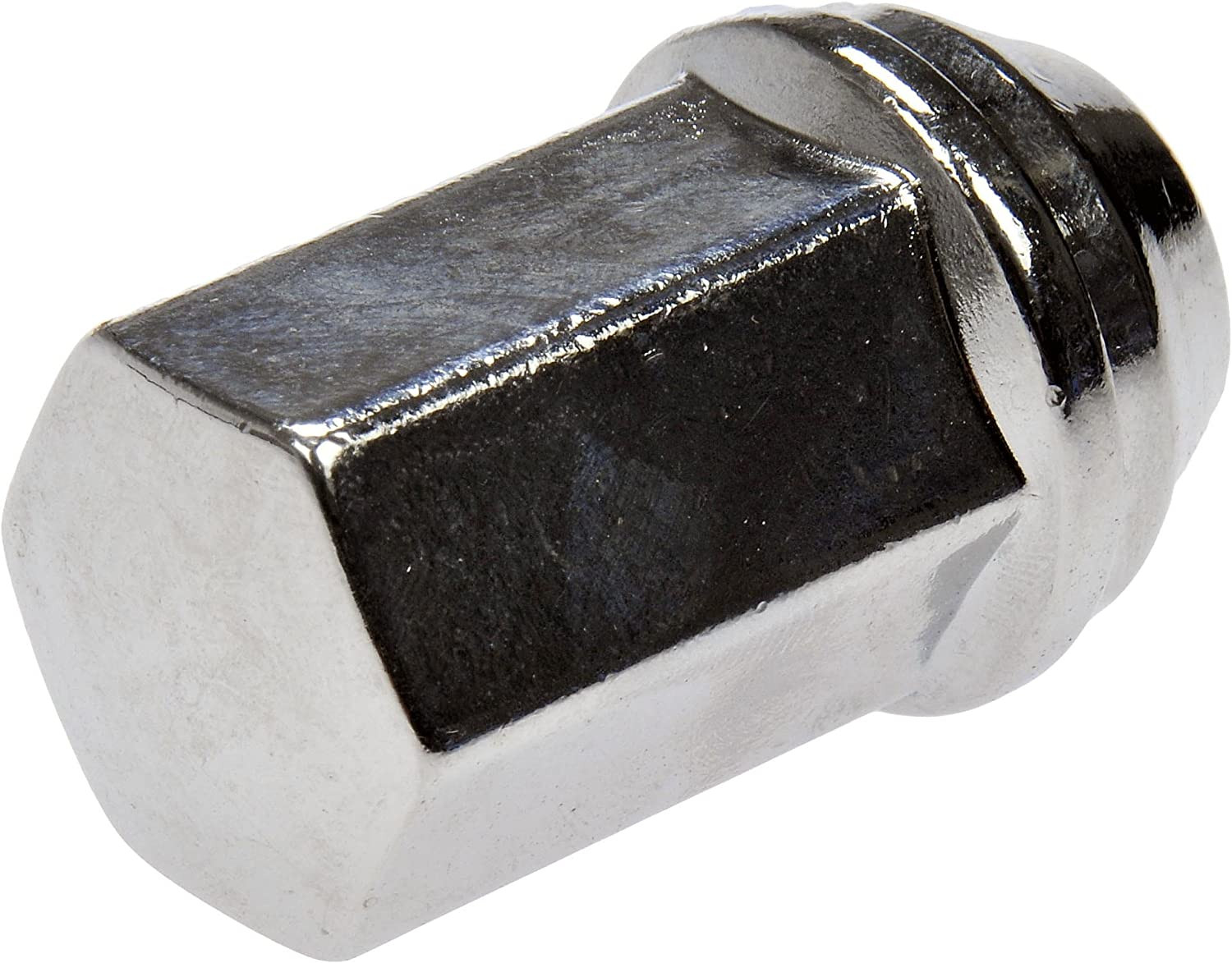
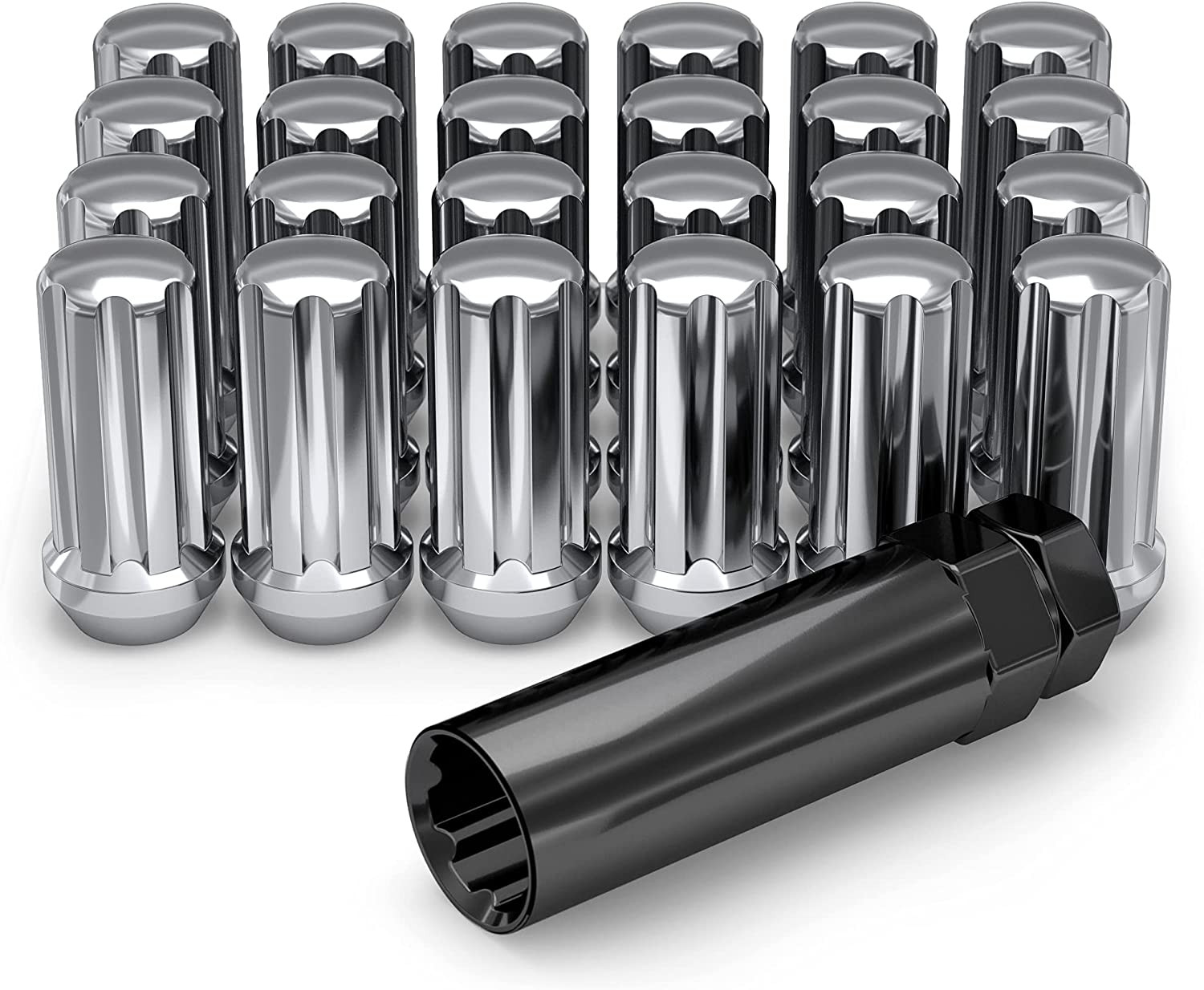
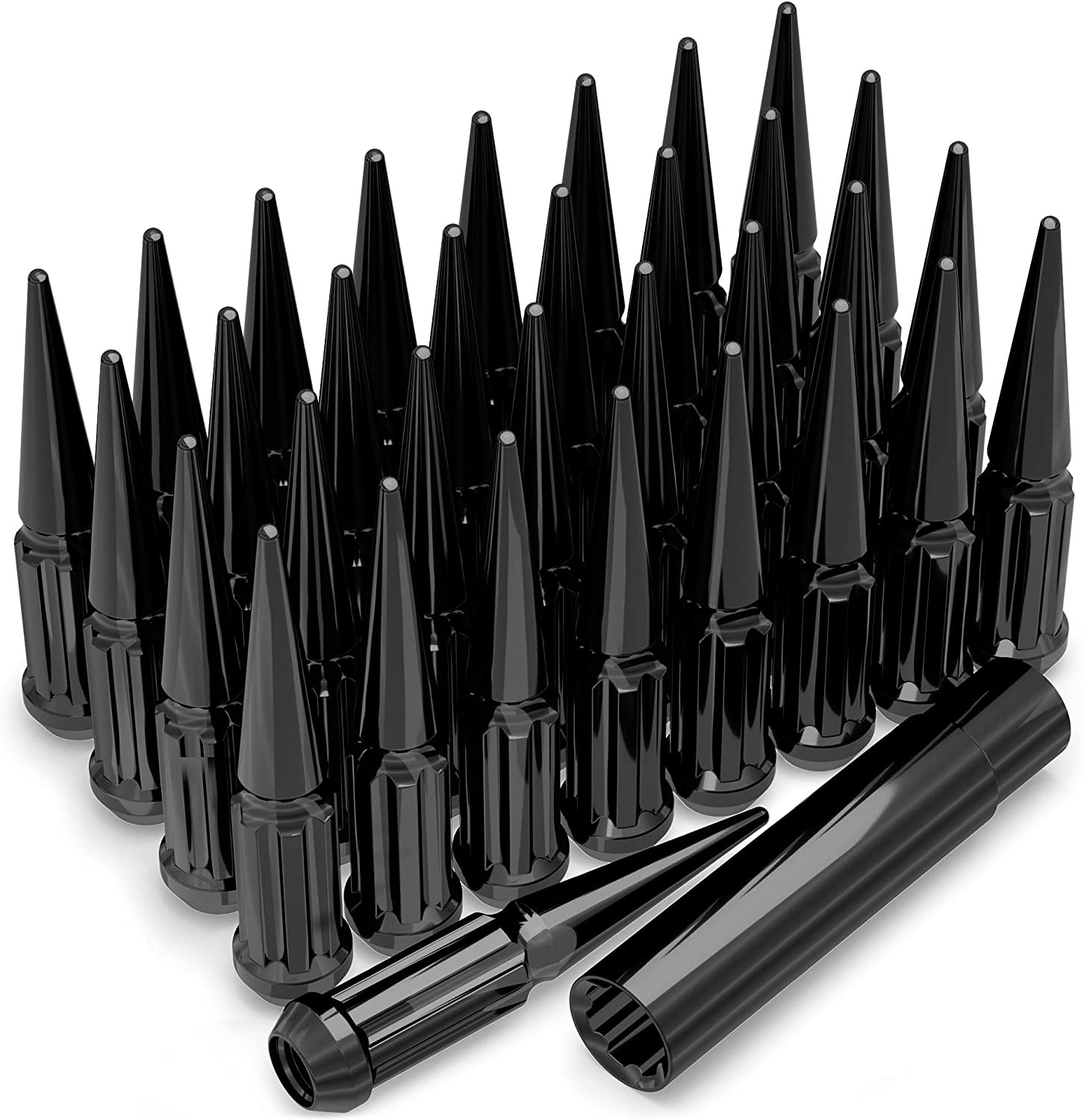
Thread-only product links are shopping examples, not verified fits. Seat style is not confirmed here. As an Amazon Associate we earn from qualifying purchases.
Donor vehicles with overlapping OEM specs
These are vehicle-year records whose recorded OEM ranges overlap this 2013 Chevrolet Silverado 2500HD. Overlap is not a guarantee that a specific wheel will install. Selected-wheel comparison is in the calculator below.
Evaluated 12 donor years. Listed 12 eligible overlaps (not all evaluated years are compatible). Showing all listed.
Compare a donor vehicle or custom wheel against this 2013 Chevrolet Silverado 2500HD. Use Compare in calculator on a donor row above to fill the donor side of this same calculator.
Compare
Compare wheel compatibility between two vehicles
Wheels from (donor vehicle)
Selected Car:
Custom wheel size (optional)
Tip: change values here to simulate custom wheels and immediately see the impact in the comparison below.
Custom tire size (optional)
Installed on (your vehicle)
Selected Car:
2013 Chevrolet Silverado 2500HD
Compare Rims
Specification
Wheels from
Installed on
Result (Click it)
Bolt Pattern
The total number of bolt holes and the diameter of the circle they form.
-
8x180
Center Bore
The hole in the center of the wheel that fits over the vehicle’s hub.
-
124.1 mm
Thread Size
The size and spacing of the threads on the bolts or nuts that hold the wheel in place.
-
M14 x 1.5
Rim Diameter
The wheel diameter in inches that determines which tire sizes will fit.
-
-
Rim Width
The distance between the inner edges of the wheel is measured in inches.
-
-
Wheel Offset
How far the wheel sits inward or outward relative to the hub mounting surface.
-
-
Backspacing
Shows how much space the wheel takes up toward the inside of the vehicle.
-
-
Wheel Fasteners
The type of hardware used to secure the wheel to the vehicle.
-
-
Compare Tires
Specification
Wheels from
Installed on
Result (Click it)
Section Width
The width of the tire from sidewall to sidewall, measured in millimeters.
-
-
Aspect Ratio
The height of the tire’s sidewall expressed as a percentage of its width.
-
-
Diameter
The wheel diameter for which the tire is designed to fit.
-
-
Tire Pressure
The recommended air pressure for safe and efficient driving.
-
-
Overall Diameter
The total height of the tire and wheel combined affects clearance and speedometer accuracy.
-
-
Wheel Fitment Parts for the 2013 Chevrolet Silverado 2500HD
Example products matched to recorded thread, hub, or spacer dimensions. They are not verified fits. Confirm seat style, thickness, and clearance before ordering.
As an Amazon Associate we earn from qualifying purchases. Product availability and pricing may change.
2013 Chevrolet Silverado 2500HD Wheel Interchange, Sizes, and Fitment Guide
Known OEM Fitment For 2013 Chevrolet Silverado 2500HD
Use this as a safety baseline. Do not buy wheels that conflict with any known spec below. If a value is Unknown or varies by trim, confirm it on your door jamb tire placard, owner’s manual, GM build sheet, and with the on-page calculator.
Bolt pattern (studs x PCD)
8x180
Center bore (mm)
124.1
Thread size
M14 x 1.5
Rim diameter (in)
Unknown
Rim width (in)
Unknown
Wheel offset (ET, mm)
Unknown
Backspacing (in)
Unknown
Tire section width (mm)
Unknown
Tire aspect ratio (%)
Unknown
Tire rim diameter (R)
Unknown
8x180 is specific to late-model GM HD trucks. Do not confuse it with 8x165.1 (8x6.5) or 8x170.
GM hub bore is 124.1 mm. Many aftermarket wheels have a larger bore and rely on the lugs. If you want hub support, use correct rings sized for the wheel’s bore to 124.1 mm.
Factory wheel, tire, and offset values can vary by trim and package. Verify with your OEM sources before purchase.
How To Use The Wheel Interchange Calculator
The calculator on wheelinterchange.com lets you compare two setups: Wheels from (donor vehicle) vs Installed on (your vehicle). It also supports a Custom wheel size and Custom tire size so you can test fit before buying.
Select Installed on: 2013 Chevrolet Silverado 2500HD.
Pick a donor wheel or choose Custom wheel size to set rim diameter, width, and offset. The tool will compute backspacing and poke.
Enter a Custom tire size. Adjust section width and aspect ratio. When you change rim diameter, the tool updates tire diameter so you can keep the overall height close to stock.
Watch these outputs:
Inner clearance to suspension and brakes. Positive offset moves the wheel inboard, negative moves outboard.
Outer poke vs fender/liners. Too much poke can rub on turns or over bumps.
Overall tire diameter. Try to stay near stock diameter for speedometer accuracy unless you plan to recalibrate.
Simulate brake caliper and hub clearance by checking inner barrel diameter and center bore match. The calculator helps visualize space but you must physically verify barrel-to-caliper clearance on test fit.
When results look safe, note the final width, offset, and tire size. Cross-check against OEM documentation and your trim’s brake package.
Fitment Checklist Before You Buy
Bolt pattern: Must be 8x180. Do not use adapters unless they are high quality, hub-centric, and sized for 8x180 with proper stud length and load rating.
Center bore: Truck hub is 124.1 mm. Ensure wheel bore clears the hub. If larger, use rings for better centering.
Thread and seat: Studs are M14 x 1.5. Verify the lug nut seat type that your wheels require (common is 60-degree conical for many aftermarket alloys, but verify). Do not mix seat profiles.
Load rating: Wheel and tire load index must meet or exceed axle GAWR and GVWR requirements for your truck’s trim and usage, especially for towing or plowing.
Brakes: Confirm spoke design and inner barrel clear your calipers. HD calipers are large and can contact the barrel or weights.
Offset and backspacing: Use the calculator to keep inner clearance to suspension components and outer clearance to fenders within safe margins.
TPMS: Plan to reuse or replace sensors compatible with your truck and perform the relearn procedure after installation.
Ride height: Leveling kits or lift kits change clearance. Measure again if your suspension is modified.
Spare and rotation: If you change diameter significantly, confirm the spare’s compatibility and differential-safe rolling circumference.
Do not lubricate lug threads unless the manufacturer explicitly allows it. Most require clean, dry threads for accurate torque.
Plus Sizing And Common Upgrades
Owners often upgrade for load-capable all-terrain tires, improved stance, or larger diameters. The safest approach is to keep overall tire diameter close to stock unless you are prepared to recalibrate the speedometer and adjust for clearance. Because OEM diameter and offset can vary by trim and wheel option on this truck, do not assume values. Use the on-page calculator and confirm against your door placard and GM documentation.
Try to keep overall diameter within about 3 percent of stock for minimal impact on gearing and ABS. Verify with the calculator.
Wider wheels and tires increase outer poke and can rub the fender liners or bumper at full lock. Use the calculator to predict, then test fit.
Heavier wheel and tire assemblies affect braking and steering feel. Ensure the wheel’s load rating is appropriate for HD duty.
Installation Tips
Preparation:
Inspect studs and nuts. Replace any damaged hardware. Clean mating surfaces and hub faces until rust free and flat.
Verify lug nut seat matches the wheel. Do not reuse mag-seat or flanged nuts on conical-seat wheels.
Mounting:
Hand start all lugs. Snug in a star pattern.
Torque in 3 steps to the OEM spec for your trim using a calibrated torque wrench. If you do not know the spec, check your owner’s manual or GM service information.
If using rings, ensure they are fully seated and not pinched.
Spin the wheel by hand to check for caliper, clip, and weight interference before lowering.
After install:
Perform TPMS relearn if sensors were serviced.
Road test, then re-torque after 50 to 100 miles and after any off-road or towing use.
At full lock, compress the suspension slightly and listen for rub. Inspect liners, sway bar, and control arm clearance.
Q: Can I run 8x6.5 (8x165.1) wheels on my 2013 Silverado 2500HD?
A: No. Your truck uses 8x180. Adapters exist but must be high quality, hub-centric, and load rated for HD duty, and they add thickness that changes effective offset. Most owners should use 8x180 wheels directly.
Q: What offset should I choose?
A: Offset varies by wheel width, tire size, and brake clearance. Since OEM offset values can vary by trim and wheel option, use the calculator to model inner clearance and outer poke, then verify with a test fit.
Q: Do I need hub-centric rings?
A: OEM is 124.1 mm. If your aftermarket wheel bore is larger, rings can improve centering. Choose rings that match your wheel’s bore to 124.1 mm and confirm they seat fully on the hub and wheel.
Q: Will my stock TPMS work with new wheels?
A: Yes if you transfer compatible sensors or install compatible replacements for your truck. After installation, perform the GM TPMS relearn procedure.
Q: What torque should I use on the lug nuts?
A: Torque depends on the truck’s trim and hardware. Do not guess. Use the value in your owner’s manual or GM service information, and always torque on clean, dry threads unless specified otherwise by GM.
Q: Are spacers safe on a 2500HD?
A: Only if they are hub-centric to 124.1 mm, 8x180, high-strength, properly installed, and do not reduce usable stud engagement. Spacers change effective offset, so verify all clearances with the calculator and a test fit.
Q: How do I confirm my original tire size if I am unsure?
A: Check the tire placard on the driver’s door jamb and your owner’s manual. Enter that size in the calculator as your baseline before exploring plus sizes.
Methodology and sources
Wheel interchange depends on more than bolt pattern. Where data is available, this site compares recorded OEM values:
Bolt pattern / PCD
Center bore direction (donor wheel bore must not be smaller than the hub)
Wheel diameter, width, and offset against known OEM ranges
A normal wheel spacer does not change bolt pattern. Hub rings cannot enlarge a wheel bore that is smaller than the hub. Brake clearance and tire package fitment still require vehicle-specific checks when not confirmed in the dataset.