OEM wheel and tire fitment specs for the 2020 Chrysler Voyager, including bolt pattern (PCD), center bore diameter, thread size, rim diameter, rim width, wheel offset, and backspacing.
Recorded OEM specifications for the 2020 Chrysler Voyager, donor years with overlapping ranges, and a calculator to compare a selected wheel. Range overlap is not a guaranteed fit.
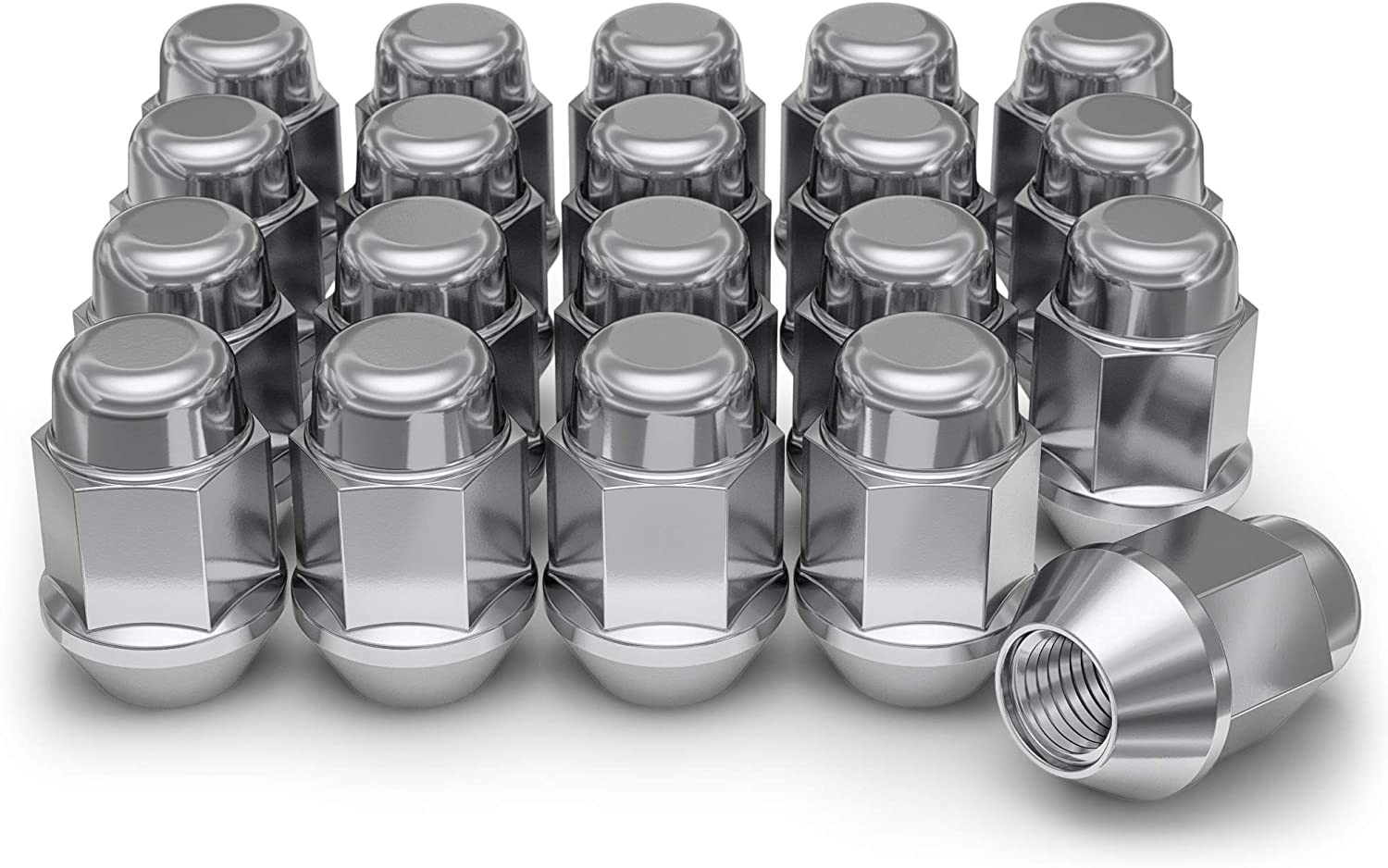
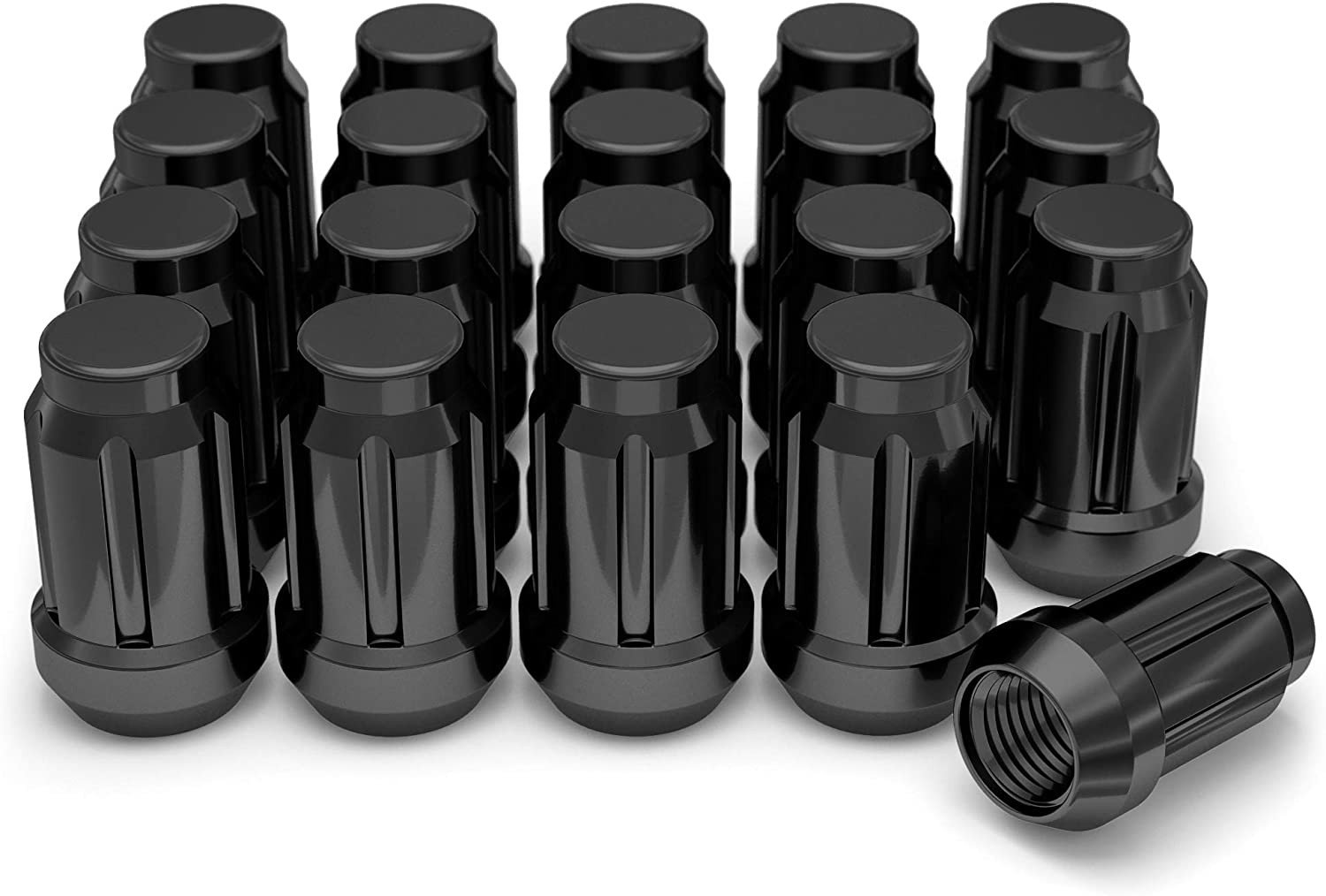
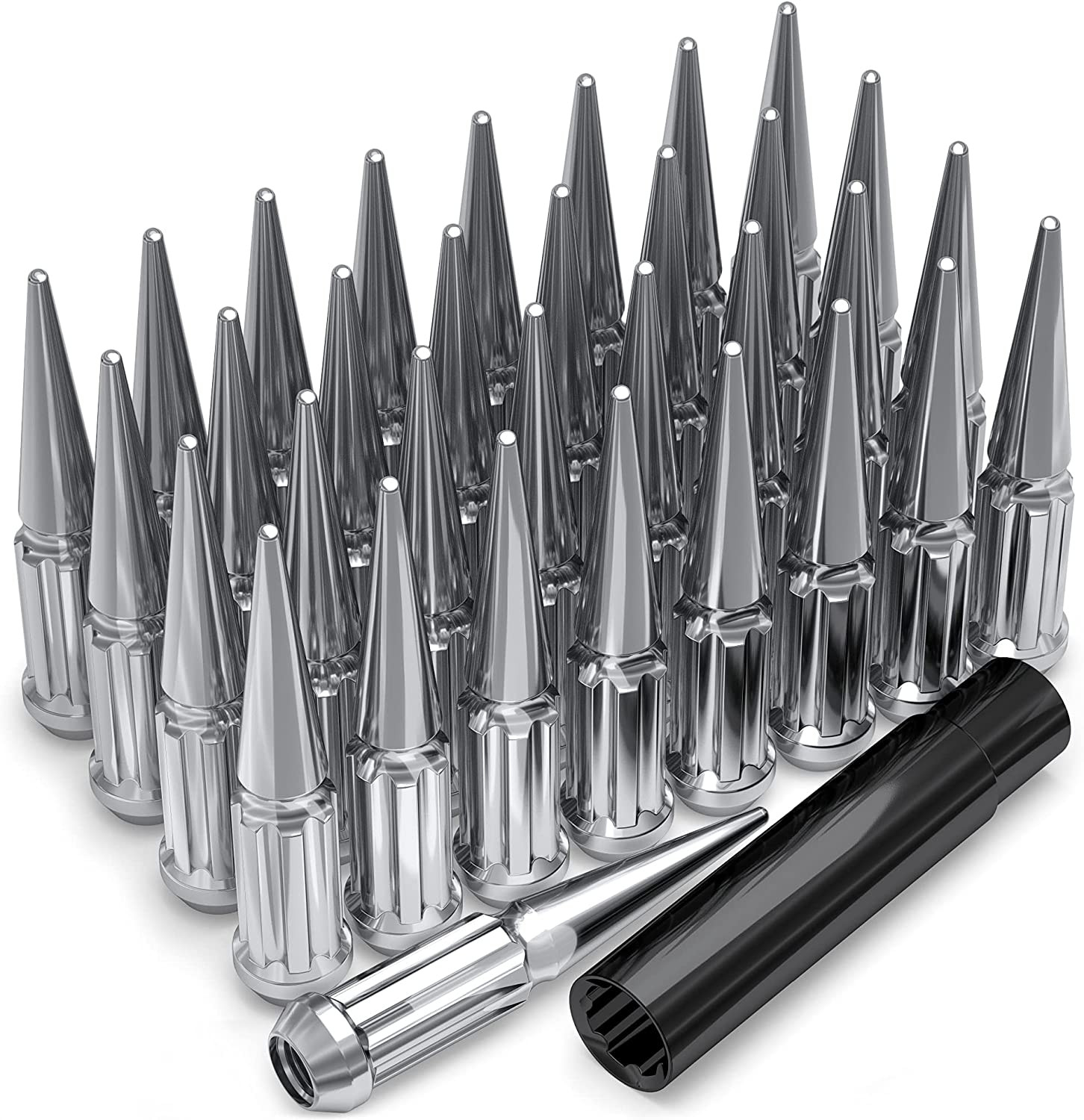
Thread-only product links are shopping examples, not verified fits. Seat style is not confirmed here. As an Amazon Associate we earn from qualifying purchases.
Explore wheels at Tire Rack
Selected size: 17 × 7″ · ET +51
Showing matching bolt patterns and offsets up to 30 mm lower. Confirm center bore, load rating, and clearance at Tire Rack.
We may earn a commission when you buy through these links. Prices and availability may change.
Donor vehicles with overlapping OEM specs
These are vehicle-year records whose recorded OEM ranges overlap this 2020 Chrysler Voyager. Overlap is not a guarantee that a specific wheel will install. Selected-wheel comparison is in the calculator below.
Evaluated 21 donor years. Listed 21 eligible overlaps (not all evaluated years are compatible). Showing all listed.
Compare a donor vehicle or custom wheel against this 2020 Chrysler Voyager. Use Compare in calculator on a donor row above to fill the donor side of this same calculator.
Compare
Compare wheel compatibility between two vehicles
Wheels from (donor vehicle)
Selected Car:
Custom wheel size (optional)
Tip: change values here to simulate custom wheels and immediately see the impact in the comparison below.
Custom tire size (optional)
Installed on (your vehicle)
Selected Car:
2020 Chrysler Voyager
Compare Rims
Specification
Wheels from
Installed on
Result (Click it)
Bolt Pattern
The total number of bolt holes and the diameter of the circle they form.
-
5x127
Center Bore
The hole in the center of the wheel that fits over the vehicle’s hub.
-
71.5 mm
Thread Size
The size and spacing of the threads on the bolts or nuts that hold the wheel in place.
-
M12 x 1.5
Rim Diameter
The wheel diameter in inches that determines which tire sizes will fit.
-
17"
Rim Width
The distance between the inner edges of the wheel is measured in inches.
-
7.0"
Wheel Offset
How far the wheel sits inward or outward relative to the hub mounting surface.
-
51 mm
Backspacing
Shows how much space the wheel takes up toward the inside of the vehicle.
-
-
Wheel Fasteners
The type of hardware used to secure the wheel to the vehicle.
-
-
Compare Tires
Specification
Wheels from
Installed on
Result (Click it)
Section Width
The width of the tire from sidewall to sidewall, measured in millimeters.
-
-
Aspect Ratio
The height of the tire’s sidewall expressed as a percentage of its width.
-
-
Diameter
The wheel diameter for which the tire is designed to fit.
-
-
Tire Pressure
The recommended air pressure for safe and efficient driving.
-
-
Overall Diameter
The total height of the tire and wheel combined affects clearance and speedometer accuracy.
-
-
Wheel Fitment Parts for the 2020 Chrysler Voyager
Example products matched to recorded thread, hub, or spacer dimensions. They are not verified fits. Confirm seat style, thickness, and clearance before ordering.
As an Amazon Associate we earn from qualifying purchases. Product availability and pricing may change.
2020 Chrysler Voyager Wheel Interchange, Specs and Fitment Guide | wheelinterchange.com
Known OEM Fitment For 2020 Chrysler Voyager
The values below are the OEM specifications provided for this model. This dataset appears partial. Notice the example tire size has a 17-inch rim diameter while the listed wheel diameter is 18 inches. That suggests multiple factory packages or incomplete data. Always confirm your exact factory size on the driver door-jamb tire placard, in the owner’s manual, and by reading the size cast or stamped on your current wheel behind a spoke.
Bolt pattern (studs x PCD)
5x127 (also called 5x5 inches)
Center bore
71.5 mm
Thread size
M12 x 1.5
Rim diameter
18 in
Rim width
7.5 in
Wheel offset (ET)
+51 mm
Backspacing
5.76 in
Example tire size provided
235/65R17
Approx. tire overall diameter of example
about 29.0 in (calculated)
If your door placard shows a different tire size or wheel diameter, use that as your baseline and verify with OEM documentation.
Do not assume lug nut seat type from this data. Match the lug seat style to the wheel manufacturer’s specification.
How To Use The Wheel Interchange Calculator
The calculator on this page lets you compare a donor wheel and tire setup to your Voyager so you can check clearance, diameter, and offset changes before buying.
Step 1. In Wheels from (donor vehicle), enter the wheel and tire specs of the set you are considering. If you only know the tire size, start there. The tool will derive tire diameter from the size.
Step 2. In Installed on (your vehicle), enter your confirmed factory specs from your door placard and wheel markings. If your placard lists, for example, 235/65R17, input that as your stock tire.
Step 3. Use Custom wheel size to try alternative rim diameter, width, and offset. As you change rim diameter, update section width and aspect ratio in Custom tire size to keep overall tire diameter as close to stock as practical.
Step 4. Review the calculator’s inner clearance, outer poke, and ride height change. Aim to minimize changes to avoid rubbing and speedometer error.
Step 5. If results are close to suspension or fender limits, physically test fit one wheel on the front and rear before mounting tires.
Fitment Checklist Before You Buy
Bolt pattern: Must be 5x127. Wheels with 5x114.3, 5x120, or other patterns will not fit safely.
Center bore: OEM hub is 71.5 mm. The wheel’s center bore must be 71.5 mm or larger. If larger, use hub-centric rings sized to reduce to 71.5 mm.
Thread size and hardware: Threads are M12 x 1.5. Use hardware that matches thread pitch and the wheel’s seat type. Do not mix ball-seat and conical-seat nuts.
Offset and width: Stock offset is +51 mm on a 7.5-inch wheel. Keep offset changes small and verify with the calculator. Large offset changes can cause inner rub on struts or outer fender contact and can affect steering feel.
Backspacing: Stock backspacing is 5.76 inches. Any increase in backspacing reduces inner clearance to strut/spring. Any decrease pushes the wheel outward.
Tire overall diameter: Use your placard size as the target. Keep new diameter within about ±3 percent to limit speedometer error and maintain proper ABS and transmission behavior.
Load rating: Wheels and tires must meet or exceed the Voyager’s axle and GAWR requirements. Check wheel load rating and tire load index.
Brake clearance: Check spoke and barrel clearance over calipers and rotors. Some designs with the same diameter may not clear the caliper profile.
TPMS: Retain compatible sensors and follow the relearn procedure per the service manual.
Chains and winter use: If you use snow chains or cables, verify chain clearance with your chosen size. Follow the owner’s manual restrictions.
Plus Sizing And Common Upgrades
When upsizing, keep geometry close to stock to avoid rubbing and drivability issues. Use the calculator to model changes before purchasing.
Maintain overall diameter near your stock placard size to keep speedometer and gear ratios correct.
Increase rim width cautiously. Each 0.5 inch of added width can move inner and outer edges closer to components. Use offset to rebalance, then verify clearances in the calculator.
Limit offset change to small increments when possible. Significant changes can alter scrub radius and steering effort.
Square setups are preferred on front-wheel-drive minivans for rotation and stability. Staggered setups are not recommended.
Expect ride quality trade-offs with larger diameters and lower-profile tires. Inspect road clearance and curb-impact risk.
Installation Tips
Test fit one bare wheel front and rear to verify hub, caliper, and fender clearance before mounting tires.
Clean the hub face and wheel mounting pad. Remove rust with a wire brush and ensure no debris or paint runs remain.
If using hub-centric rings, seat them fully and dry-fit the wheel to confirm concentricity.
Install lug nuts by hand to avoid cross-threading. Match the nut seat to the wheel seat type.
Torque fasteners in a star pattern to the factory specification listed in your owner’s manual or service information. Re-torque after 50 to 100 miles.
Do not lubricate wheel studs or nuts unless the service manual explicitly instructs it. Most OEM procedures call for clean, dry threads.
Verify TPMS sensor compatibility and perform the relearn/reset per OEM procedure after installation.
Hub-centric rings 71.5 mm ID (match to your wheel’s larger bore OD): Shop hub-centric rings
TPMS relearn or programming tool (compatible with Chrysler): Shop TPMS tools
FAQs
Is 5x127 the same as 5x5?
Yes. 5x127 mm is equivalent to 5x5 inches. Your wheel must have this pattern to fit the Voyager hubs.
Why do the provided wheel and tire sizes seem to conflict?
The dataset shows an 18x7.5 wheel alongside a 235/65R17 tire example. That indicates multiple factory packages or partial information. Always use your door placard and current wheel markings to determine your true stock baseline, then use the calculator.
What offset should I use with aftermarket wheels?
The provided stock offset is +51 mm on a 7.5-inch wheel. Keep changes small and verify inner and outer clearances in the calculator. Large changes can cause rubbing or steering geometry issues.
Do I need hub-centric rings?
If your aftermarket wheel’s center bore is larger than the 71.5 mm hub, use rings that reduce it to 71.5 mm for vibration-free, hub-centric mounting.
Will 5x114.3 or 5x120 wheels fit?
No. The bolt pattern must be 5x127. Adapters and spacers introduce additional variables and risks and should only be used if hub-centric and properly engineered, with clearances verified.
How close should I keep the tire diameter to stock?
As close as practical, typically within about ±3 percent. Base “stock” on your vehicle’s placard. Use the calculator to compare overall diameter and speedometer impact.
What lug nuts should I buy?
They must be M12 x 1.5 and match the wheel’s seat type (conical or ball) and length requirements. Do not reuse hardware that does not match the wheel manufacturer’s specifications.
Will the brakes clear larger wheels?
Larger diameter often helps clearance, but spoke design and barrel shape matter. Always test fit to confirm caliper clearance before mounting tires.
Methodology and sources
Wheel interchange depends on more than bolt pattern. Where data is available, this site compares recorded OEM values:
Bolt pattern / PCD
Center bore direction (donor wheel bore must not be smaller than the hub)
Wheel diameter, width, and offset against known OEM ranges
A normal wheel spacer does not change bolt pattern. Hub rings cannot enlarge a wheel bore that is smaller than the hub. Brake clearance and tire package fitment still require vehicle-specific checks when not confirmed in the dataset.