Enkei Performance
EKM3
Gunmetal
18 × 8″ · ET +40
$216.65
View at Tire Rack ↗Recorded OEM specifications for the 2005 Chevrolet Cobalt, donor years with overlapping ranges, and a calculator to compare a selected wheel. Range overlap is not a guaranteed fit.
Save these wheel specs to your Ownery garage
Baseline mounting dimensions used for interchange decisions.
Multiple OEM configurations exist for this vehicle. Fitment can vary by trim, brakes, and factory wheel package – confirm your exact setup before buying.
Center-bore records disagree: year-level hub 56.6 mm vs trim range 57.1–65.1 mm. Interchange below does not treat this as an unqualified match.
Thread-only product links are shopping examples, not verified fits. Seat style is not confirmed here. As an Amazon Associate we earn from qualifying purchases.
Selected size: 18 × 7″ · ET +42
Showing matching bolt patterns and offsets up to 30 mm lower. Confirm center bore, load rating, and clearance at Tire Rack.
Enkei Performance
Gunmetal
18 × 8″ · ET +40
$216.65
View at Tire Rack ↗
Drag
Silver Machined w/Clearcoat
18 × 8″ · ET +40
$192.00
View at Tire Rack ↗
Voxx Road Wheels
Gunmetal
18 × 8″ · ET +40
$251.00
View at Tire Rack ↗
KMC
Black
18 × 8″ · ET +38
$420.00
View at Tire Rack ↗We may earn a commission when you buy through these links. Prices and availability may change.
These are vehicle-year records whose recorded OEM ranges overlap this 2005 Chevrolet Cobalt. Overlap is not a guarantee that a specific wheel will install. Selected-wheel comparison is in the calculator below.
Evaluated 8 donor years. Listed 8 eligible overlaps (not all evaluated years are compatible). Showing all listed.
Years grouped because recorded compatibility evidence is equivalent. Each year keeps its own page.
Dataset suggestionHub-centric rings ≈ 65.1 → 57.1 mm – not a verified installation requirement.
Hub-centric rings of about 65.1 → 57.1 mm mm may be relevant if the wheel bore is larger than the hub; they cannot enlarge a smaller bore. Approximate position vs the mid OEM package: outer change -6.35 mm, inner change -6.35 mm. This uses aggregated width/offset ranges, not a specific wheel.
Years grouped because recorded compatibility evidence is equivalent. Each year keeps its own page.
Dataset suggestionHub-centric rings ≈ 69.1 → 57.1 mm – not a verified installation requirement.
Hub-centric rings of about 69.1 → 57.1 mm mm may be relevant if the wheel bore is larger than the hub; they cannot enlarge a smaller bore. Approximate position vs the mid OEM package: outer change -2.35 mm, inner change -10.35 mm. This uses aggregated width/offset ranges, not a specific wheel.
Only years with evidence-based interchange relationships are listed. Adjacent years are not assumed compatible.
Compare a donor vehicle or custom wheel against this 2005 Chevrolet Cobalt. Use Compare in calculator on a donor row above to fill the donor side of this same calculator.
Compare wheel compatibility between two vehicles
2005 Chevrolet Cobalt




Example products matched to recorded thread, hub, or spacer dimensions. They are not verified fits. Confirm seat style, thickness, and clearance before ordering.
M12 x 1.5
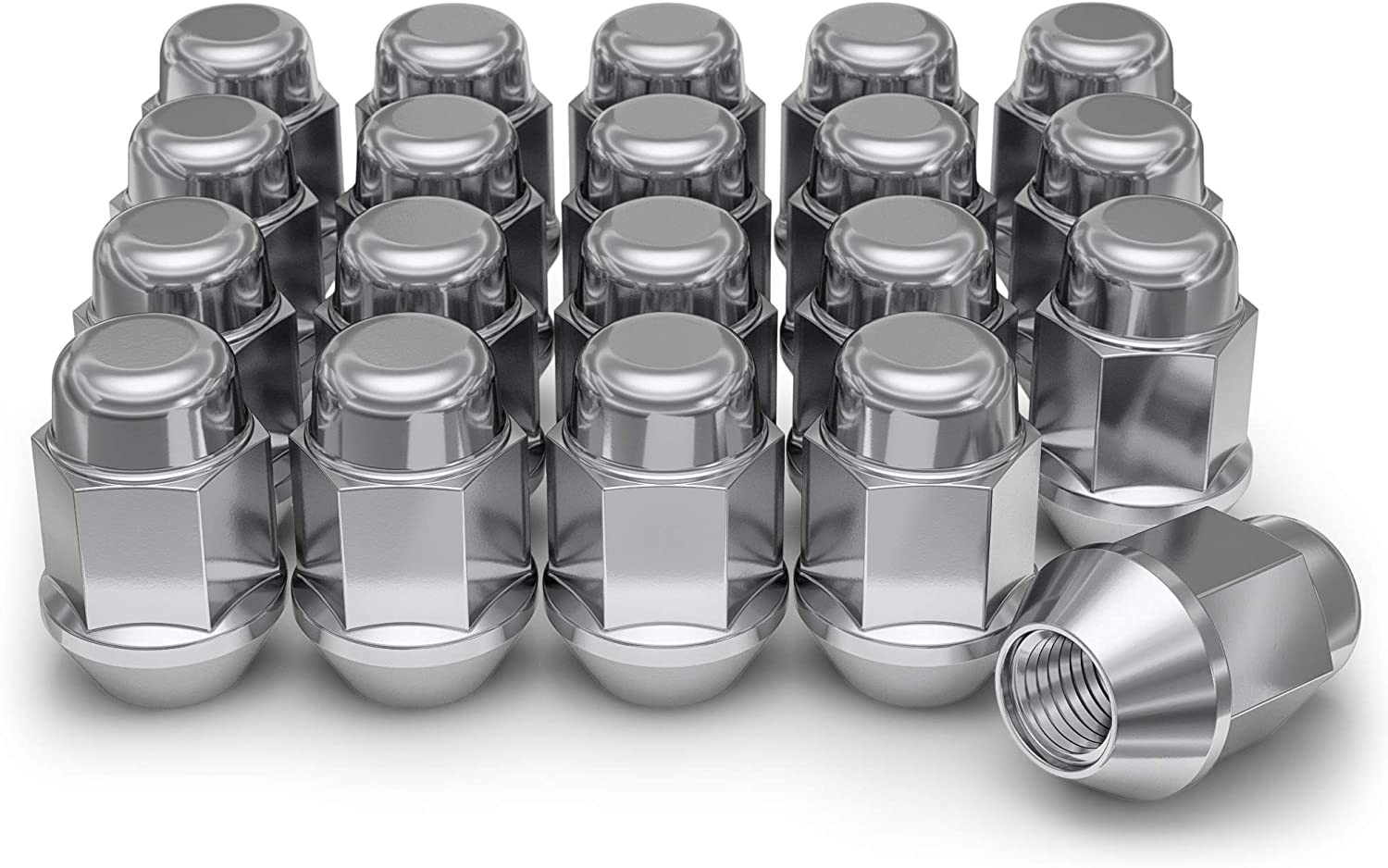
M12 x 1.5 · Thread match only; seat style is not verified
View on Amazon →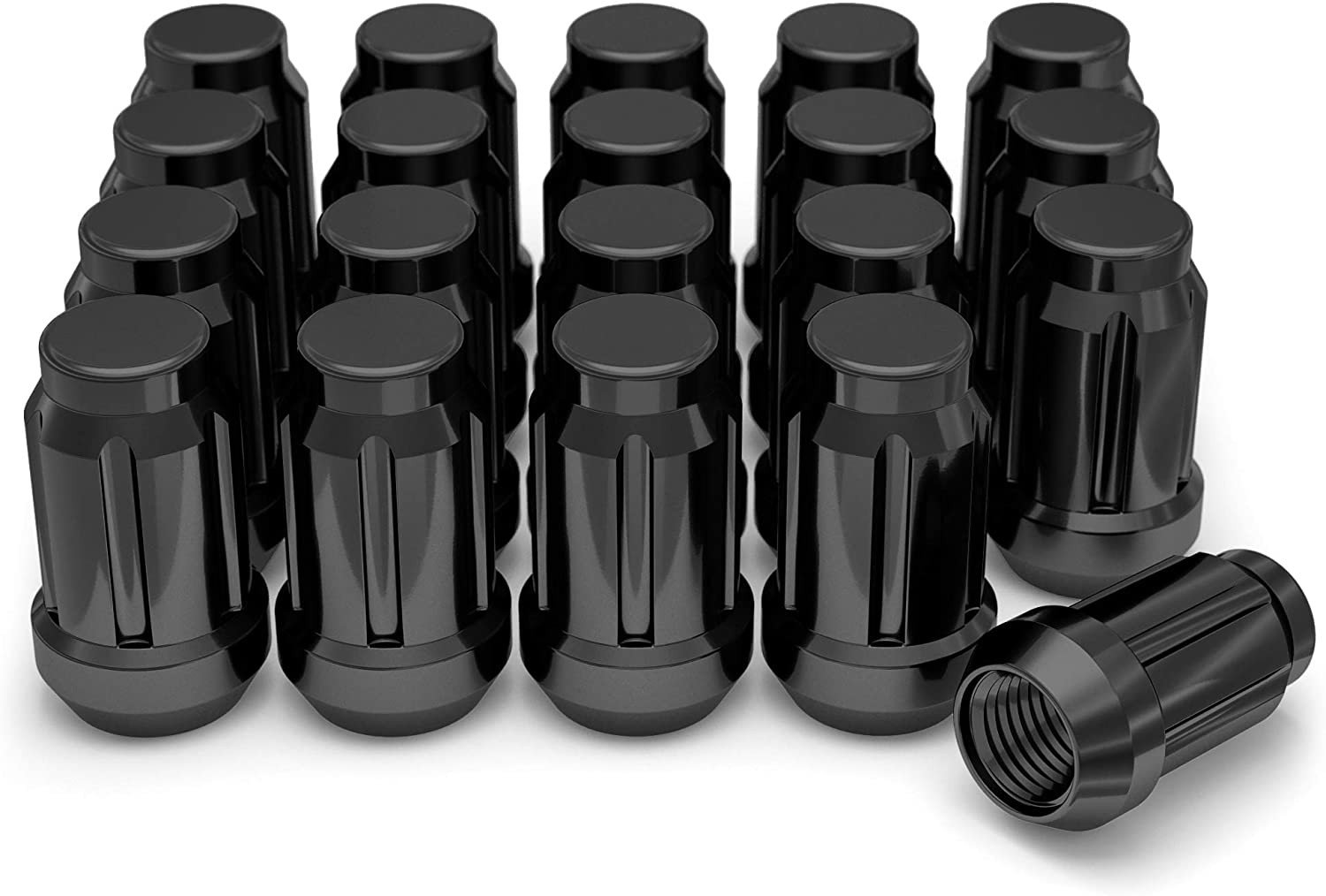
M12 x 1.5 · Thread match only; seat style is not verified
View on Amazon →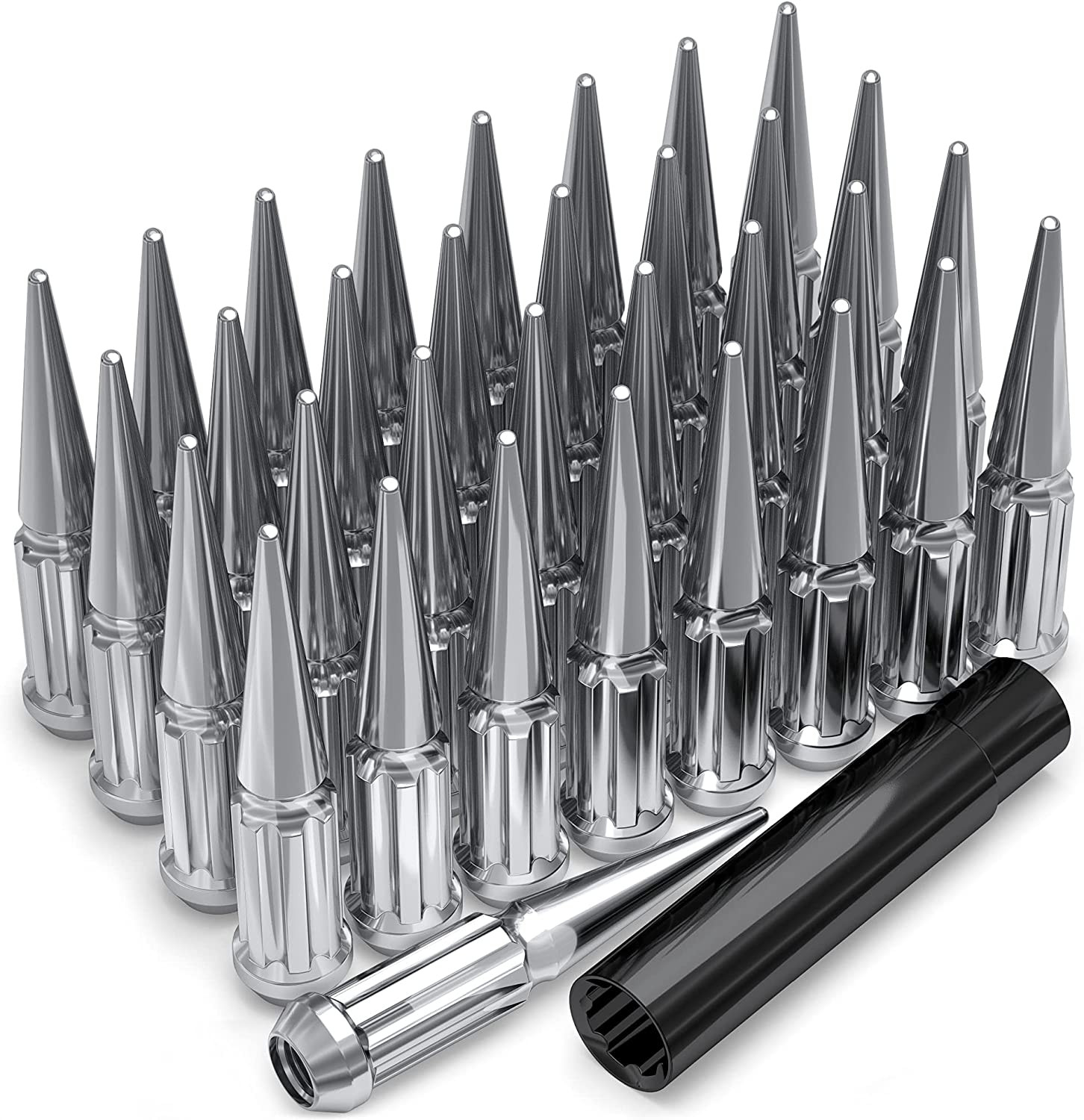
M12 x 1.5 · Thread match only; seat style is not verified
View on Amazon →As an Amazon Associate we earn from qualifying purchases. Product availability and pricing may change.
The following values reflect known OEM specifications for at least one 2005 Chevrolet Cobalt configuration. Some trims or regional packages may differ. Always verify against your VIN label, owner’s manual, and the on-page calculator before purchasing.
| Bolt pattern | 4x100 |
| Center bore | 56.6 mm |
| Thread size | M12 x 1.5 |
| Rim diameter | 17 in |
| Rim width | 7.0 in |
| Wheel offset (ET) | 42 mm |
| Backspacing | 5.15 in |
| Tire size | 205/50R17 |
If any of these values do not match your vehicle, confirm your exact trim and wheel option using the owner’s manual, the driver door jamb label, and the Wheel Interchange Calculator on this page.
Plus sizing means increasing rim diameter and often width while using a lower-profile tire so the overall rolling diameter stays near stock. This can sharpen steering feel but may reduce ride comfort and increase risk of curb damage.
If you are unsure whether a size will clear, model it in the calculator, then test fit a single wheel on the front and rear before mounting tires.
What is the OEM bolt pattern for the 2005 Chevrolet Cobalt?
The known OEM bolt pattern here is 4x100. If your trim differs, confirm on the hub or owner’s manual and adjust the calculator accordingly.
What is the stock tire size for this configuration?
205/50R17 is the provided OEM size for at least one 2005 Cobalt configuration. Verify your trim’s tire label on the driver door jamb.
What offset should I choose for aftermarket wheels?
OEM offset listed is 42 mm. Suitable aftermarket offset depends on wheel width, brake clearance, and bodywork. Use the calculator to model inner and outer clearance changes from ET 42 mm and test fit before mounting tires.
Do I need hub-centric rings?
If your wheel’s center bore is larger than 56.6 mm, yes. Use rings that adapt the wheel bore down to 56.6 mm so the wheel is centered on the hub.
What lug nuts does the 2005 Cobalt use?
Thread size is M12 x 1.5. Match the seat style to the wheel design and always use quality hardware. Do not mix seat types.
How close should overall tire diameter be to stock?
Many installers aim to keep overall diameter within about 3 percent of OEM to limit speedometer error and maintain ABS behavior. Use the calculator to compare any new size to stock.
What torque should I use on the lugs?
The exact torque can vary. Use the value in your owner’s manual or service information for your specific trim, then re-torque after 50 to 100 miles.
Will spacers help if my wheel hits the caliper?
Spacers can add clearance, but they must be high quality and hub-centric, and you must maintain proper thread engagement. Confirm needs with the calculator, then test fit and torque correctly. If unsure, consult a professional.
Wheel interchange depends on more than bolt pattern. Where data is available, this site compares recorded OEM values:
A normal wheel spacer does not change bolt pattern. Hub rings cannot enlarge a wheel bore that is smaller than the hub. Brake clearance and tire package fitment still require vehicle-specific checks when not confirmed in the dataset.