Voxx Road Wheels
Nova
Gloss Black
17 × 8″ · ET +40
$221.00
View at Tire Rack ↗Recorded OEM specifications for the 2011 GMC Terrain, donor years with overlapping ranges, and a calculator to compare a selected wheel. Range overlap is not a guaranteed fit.
Save these wheel specs to your Ownery garage
Baseline mounting dimensions used for interchange decisions.
Multiple OEM configurations exist for this vehicle. Fitment can vary by trim, brakes, and factory wheel package – confirm your exact setup before buying.
Center-bore records disagree: year-level hub 70.3 mm vs trim range 66.9–66.9 mm. Interchange below does not treat this as an unqualified match.
Thread-only product links are shopping examples, not verified fits. Seat style is not confirmed here. As an Amazon Associate we earn from qualifying purchases.
Selected size: 17 × 7″ · ET +43
Showing matching bolt patterns and offsets up to 30 mm lower. Confirm center bore, load rating, and clearance at Tire Rack.
Voxx Road Wheels
Gloss Black
17 × 8″ · ET +40
$221.00
View at Tire Rack ↗
Black Rhino
Black
17 × 8″ · ET +35
$363.00
View at Tire Rack ↗
Konig
Matte Grey
17 × 8″ · ET +35
$269.03
View at Tire Rack ↗
Black Rhino
Matte Gunmetal
17 × 8″ · ET +35
$363.00
View at Tire Rack ↗We may earn a commission when you buy through these links. Prices and availability may change.
These are vehicle-year records whose recorded OEM ranges overlap this 2011 GMC Terrain. Overlap is not a guarantee that a specific wheel will install. Selected-wheel comparison is in the calculator below.
Evaluated 11 donor years. Listed 11 eligible overlaps (not all evaluated years are compatible). Showing all listed.
Dataset suggestionHub-centric rings ≈ 70.2 → 66.9 mm – not a verified installation requirement.
Hub-centric rings of about 70.2 → 66.9 mm mm may be relevant if the wheel bore is larger than the hub; they cannot enlarge a smaller bore. Approximate position vs the mid OEM package: outer change -1.67 mm, inner change -4.68 mm. This uses aggregated width/offset ranges, not a specific wheel.
Years grouped because recorded compatibility evidence is equivalent. Each year keeps its own page.
Recorded vehicle-side thread for the 2011 GMC Terrain is M14x1.5. This donor year is recorded as M12x1.5. That is the vehicle stud/nut thread, not an intrinsic thread stamped on the wheel. Hardware must match this vehicle’s studs and the selected wheel’s seat and engagement. Existing hardware may be reusable if it already matches. Seat style is not in this dataset, so products are not a verified fit.
Dataset suggestionHub-centric rings ≈ 70.3 → 66.9 mm – not a verified installation requirement.
Hub-centric rings of about 70.3 → 66.9 mm mm may be relevant if the wheel bore is larger than the hub; they cannot enlarge a smaller bore. Recorded vehicle-side thread differs (M12x1.5 on the donor year vs M14x1.5 on the target vehicle). Hardware must match the target vehicle’s studs and the selected wheel’s seat. Existing hardware may be reusable if it already matches. Seat style is not confirmed in this dataset. Approximate position vs the mid OEM package: outer change -0.67 mm, inner change -5.68 mm. This uses aggregated width/offset ranges, not a specific wheel.
Years grouped because recorded compatibility evidence is equivalent. Each year keeps its own page.
Center-bore records disagree (target year-level hub 70.3 mm vs trim range 66.9–66.9 mm; donor year-level hub 70.3 mm vs trim range 66.9–66.9 mm). Unqualified overlap is not claimed until the conflict is resolved. Approximate position vs the mid OEM package: outer change -1.67 mm, inner change -4.68 mm. This uses aggregated width/offset ranges, not a specific wheel.
Lug thread is not fully recorded for this comparison. Hardware must match the 2011 GMC Terrain studs and the selected wheel’s seat. Unknown hardware is not a match.
Bolt pattern data is incomplete for a full interchange decision.
Only years with evidence-based interchange relationships are listed. Adjacent years are not assumed compatible.
Compare a donor vehicle or custom wheel against this 2011 GMC Terrain. Use Compare in calculator on a donor row above to fill the donor side of this same calculator.
Compare wheel compatibility between two vehicles
2011 GMC Terrain





Example products matched to recorded thread, hub, or spacer dimensions. They are not verified fits. Confirm seat style, thickness, and clearance before ordering.
M14 x 1.5
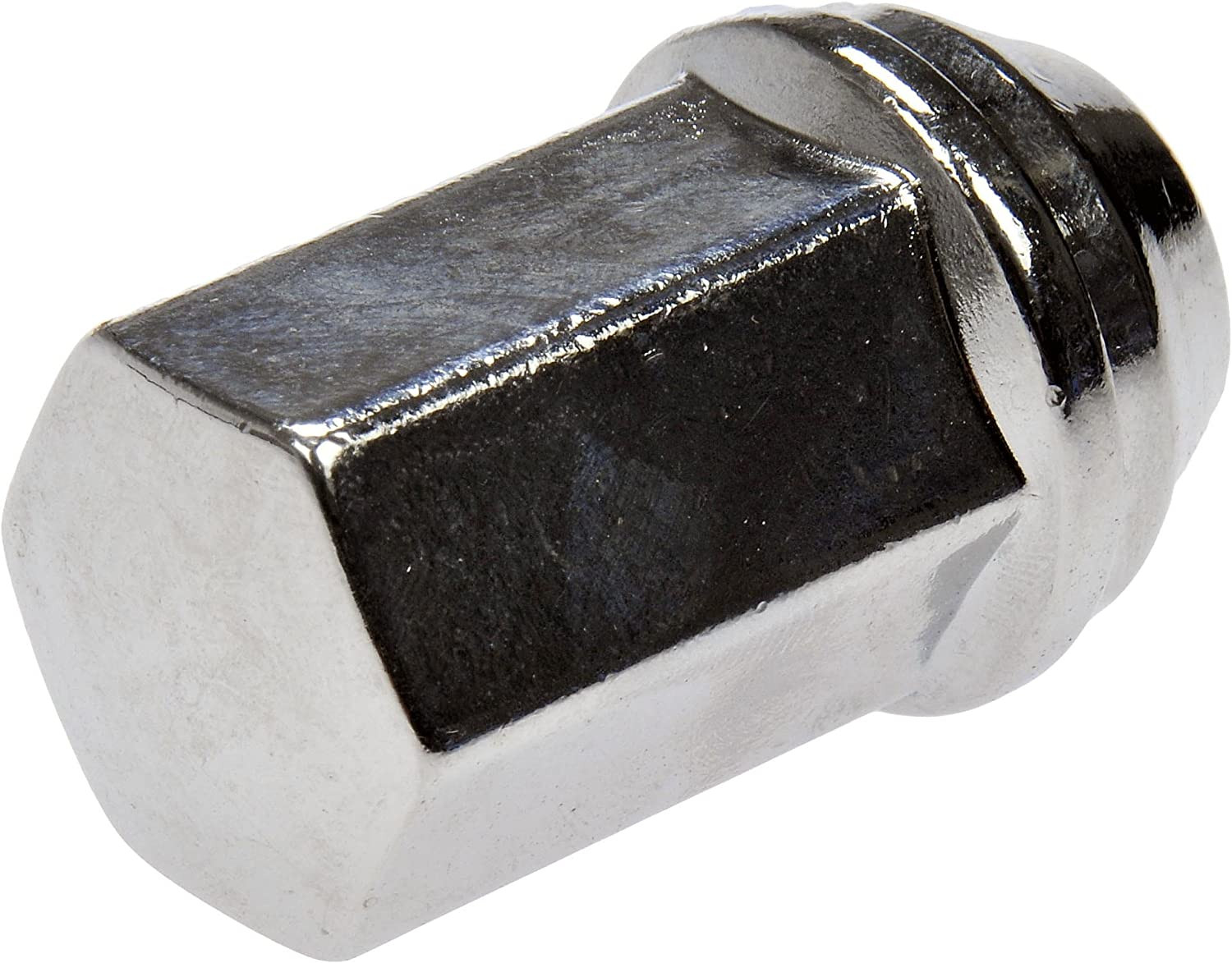
M14 x 1.5 · Thread match only; seat style is not verified
View on Amazon →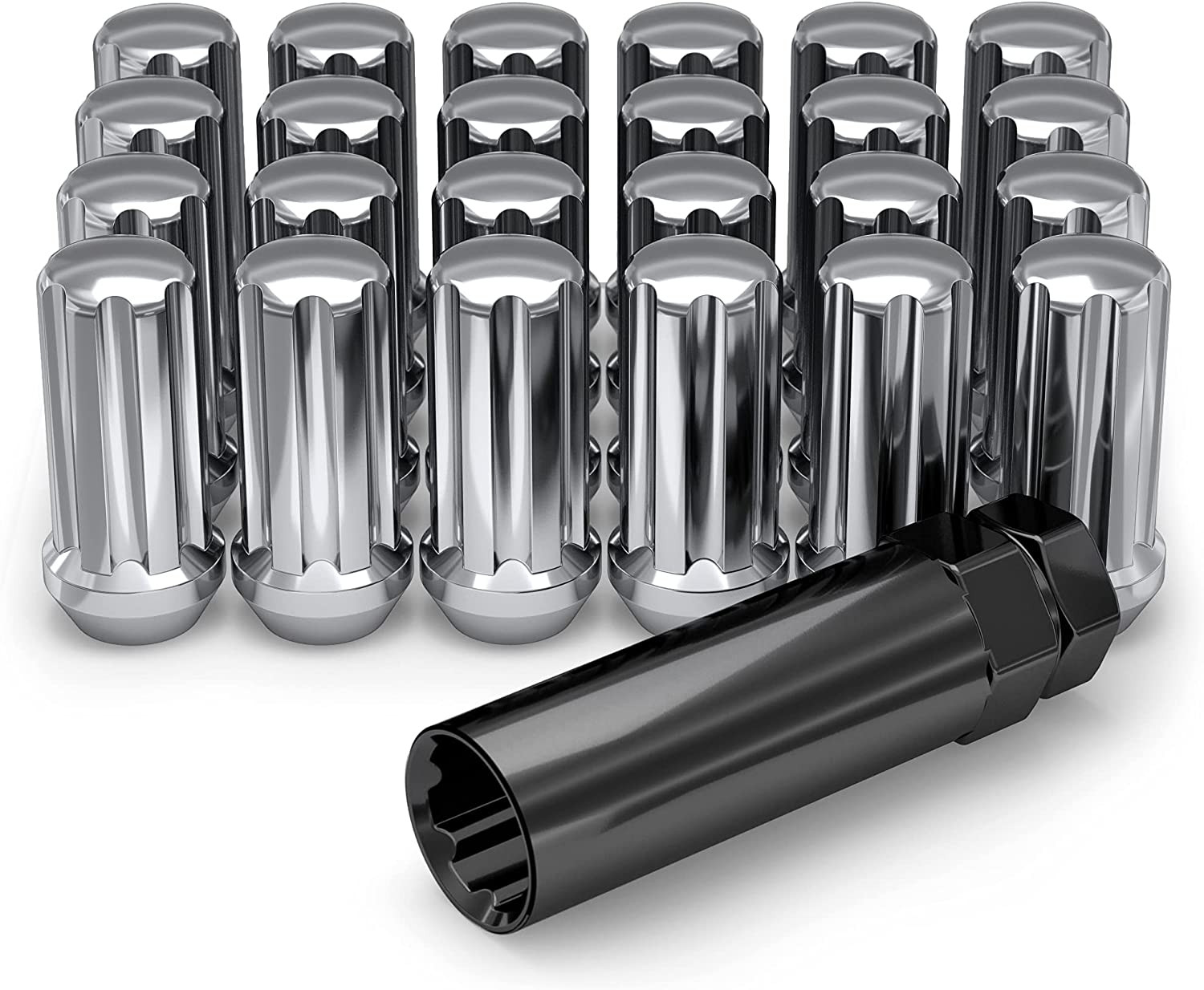
M14 x 1.5 · Thread match only; seat style is not verified
View on Amazon →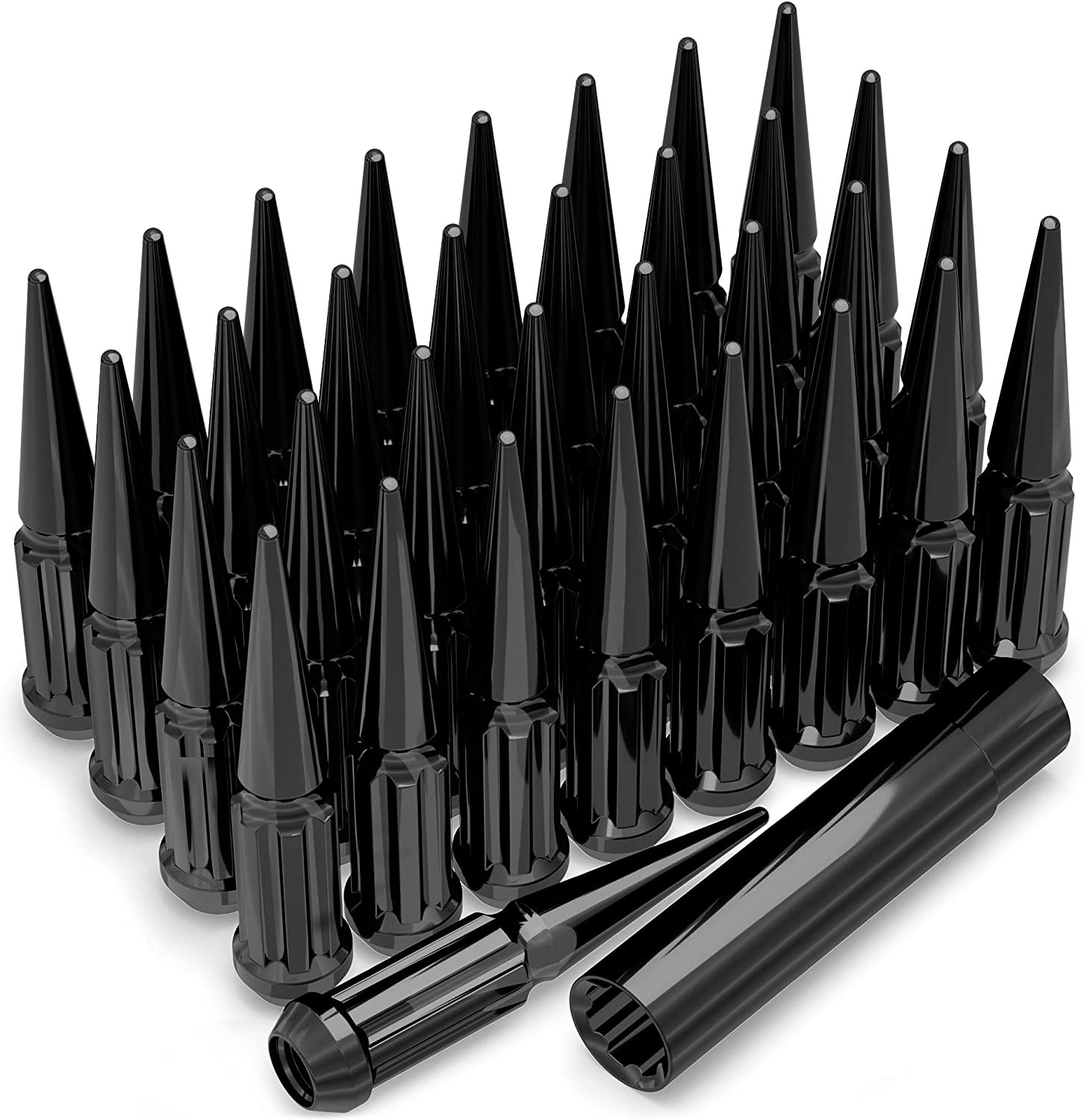
M14 x 1.5 · Thread match only; seat style is not verified
View on Amazon →As an Amazon Associate we earn from qualifying purchases. Product availability and pricing may change.
The following wheel and tire measurements are the known reference specifications provided for the 2011 GMC Terrain. Fitment can vary by trim, package, brake configuration, and market, so confirm the vehicle-specific details before ordering.
| Specification | Known value |
|---|---|
| Bolt pattern | 5x120 |
| Center bore | 66.9 mm |
| Thread size | M14 x 1.5 |
| Rim diameter | 17 inches |
| Rim width | 7.0 inches |
| Wheel offset | ET43, or 43 mm |
| Backspacing | 5.19 inches |
| Tire section width | 225 mm |
| Tire aspect ratio | 65 |
| Tire rim diameter | R17 |
These values describe the supplied OEM reference setup, not every possible wheel or tire option. Confirm the original door-jamb tire label, owner handbook, and current wheel markings before replacing parts. Also verify the load rating, speed rating, TPMS requirements, and brake clearance for your specific Terrain.
Use the calculator to compare a donor vehicle wheel with the wheel installed on your 2011 GMC Terrain. Enter or select the donor vehicle under “Wheels from” and the Terrain under “Installed on.” Review the differences in diameter, width, offset, backspacing, center bore, bolt pattern, and tire dimensions.
You can also select “Custom wheel size” to enter a proposed rim diameter, rim width, and offset. Use “Custom tire size” to enter the tire section width and aspect ratio. When you change rim diameter, the calculator updates the tire diameter in the comparison, helping you evaluate overall diameter changes rather than looking only at the wheel size.
A calculator result is a measurement comparison, not a final safety approval. A wheel can appear close on paper and still contact the brake caliper, suspension, fender, or wheel well. Confirm physical clearance and use the manufacturer’s application data before installation.
Plus sizing generally means using a larger wheel diameter with a lower-profile tire so the overall tire diameter remains close to the original reference. It may improve steering response or appearance, but it can also reduce sidewall cushioning and increase the risk of wheel or tire damage from potholes.
Do not assume that any larger wheel is compatible. Enter the proposed rim diameter, width, and offset in the custom wheel fields, then enter the proposed tire section width and aspect ratio. Compare the calculated overall diameter, sidewall height, inner position, and outer position with the known reference setup.
The supplied data does not identify every factory upgrade, trim-specific option, or approved alternate tire size for the 2011 GMC Terrain. Use the tire placard, owner documentation, GMC service information, and manufacturer fitment charts to confirm any alternate setup. Maintain adequate clearance, load capacity, and speed rating.
Useful equipment may include a calibrated torque wrench, a compatible socket, a tire-pressure gauge, a tread-depth gauge, a jack and properly rated jack stands, and a hub or wheel cleaning brush. Choose tools based on the actual lug hardware and follow safe lifting procedures.
For a torque wrench and related wheel service equipment, see automotive torque wrench options on Amazon. For checking tire pressure, see digital tire pressure gauges on Amazon.
What is the bolt pattern for the 2011 GMC Terrain?
The known reference bolt pattern is 5x120. Confirm the wheel application with the manufacturer because bolt pattern alone does not establish complete fitment.
What is the center bore?
The known center bore is 66.9 mm. A wheel with a smaller center bore will not fit over the hub. A larger center bore may need properly sized hub-centric rings, depending on the wheel design and application.
What wheel offset is listed for this Terrain?
The supplied reference offset is ET43, or 43 mm, with a listed backspacing of 5.19 inches. Different offsets change the wheel’s position relative to the suspension and fender, so compare both offset and width in the calculator.
Can I use wheels from another vehicle?
Do not approve a donor wheel based only on a vehicle name or bolt pattern. Compare the donor wheel’s bolt pattern, center bore, diameter, width, offset, backspacing, load rating, lug hardware, and brake clearance in the wheel interchange calculator. The donor vehicle must also be confirmed by an OEM or wheel manufacturer application guide.
Can I install a larger wheel diameter?
A larger diameter may be possible, but the correct tire size and wheel dimensions must be evaluated together. Use the custom wheel and tire fields to compare overall diameter, sidewall height, and clearance. Larger wheels can reduce ride comfort and increase impact damage risk.
Does changing the wheel diameter change the tire comparison?
Yes. In this calculator, changing the custom rim diameter updates the tire diameter in the comparison. Recheck the proposed tire dimensions, vehicle clearance, speedometer effect, load rating, and manufacturer recommendations after every change.
What lug thread size is listed?
The known thread size is M14 x 1.5. The correct lug nut must also match the wheel’s seat type and usable thread engagement. Verify the hardware specification before installation.
How can I confirm the exact factory fitment for my vehicle?
Read the tire and loading label on the vehicle, inspect the original wheel markings, consult the owner handbook and GMC service information, and compare the proposed parts with the wheel and tire manufacturer’s application data. If any measurement or clearance is uncertain, have a qualified tire or wheel technician verify it before purchase or installation.
Wheel interchange depends on more than bolt pattern. Where data is available, this site compares recorded OEM values:
A normal wheel spacer does not change bolt pattern. Hub rings cannot enlarge a wheel bore that is smaller than the hub. Brake clearance and tire package fitment still require vehicle-specific checks when not confirmed in the dataset.